A little interaction says a lot.

Discover MuteMe

Touch. Click. See what feels right.

Four ways to bring control to your desk. Switch between Original, Mini and MuteSync in one demo, explore MuteMe Click, then get to know your button through our complete video library.

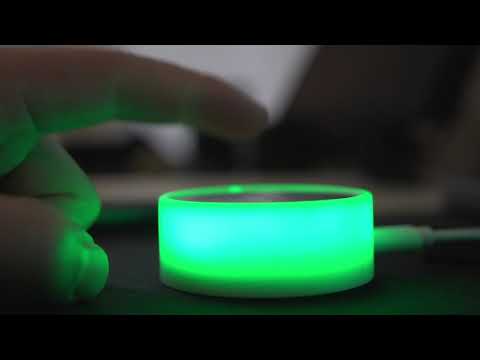
MuteMe is the first illuminated mute button to hit the market to help you increase your confidence by quickly muting/unmuting your microphone in your virtual calls.

Meet your mute button

A little touch.
A lot of control.

Choose a device. See your status light up. Try the different ways to put your microphone within reach.

Try the simulated MuteMe controls
MuteMeInteractive demo

Choose your device

The team catch-up4 people · Demo call
Alex
Sam
Taylor
You

Stainless steel. One touch.

Microphone muted

Touch to unmute.Mouse, touch, or focus the device and hold Space or Enter.

A stainless steel touch surface for your desk. Uses the MuteMe app.

The microphone toggles as soon as you touch the steel surface.

Your status. Your colors.Red / green in meetings. Dim white between them.

In a meetingPreviewing

MutedRed
UnmutedGreen

Not in a meetingPreviewing

MutedWhite
UnmutedWhite
Just a demo. No microphone or camera access. Choose your real device settings in the MuteMe app.For Windows & macOS

Watch. Learn. Make it yours.

The complete
video library.

From the first unboxing to your everyday workflow. Explore every video below, at your own pace.

From demo to desk.

Make it part of your day.

Shop the lineup Compare devices Download the MuteMe app