

01 Control in reach
Stop hunting
for mute.
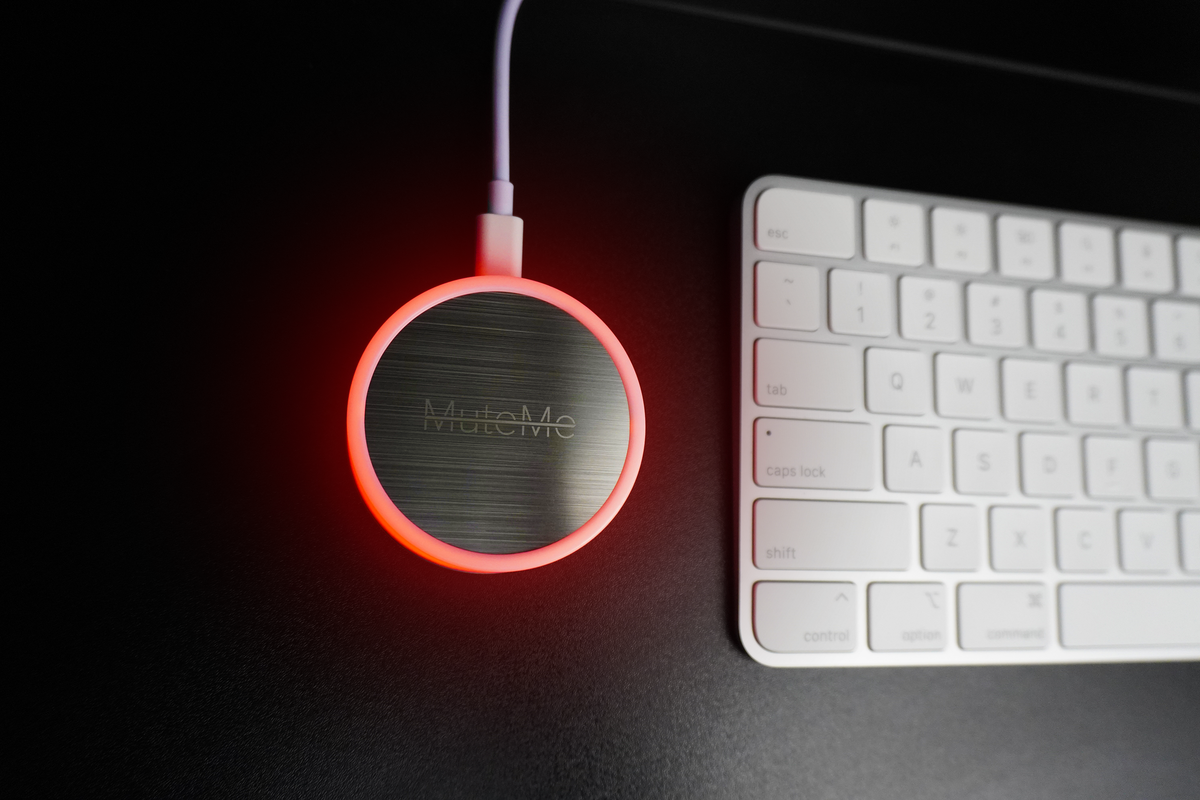
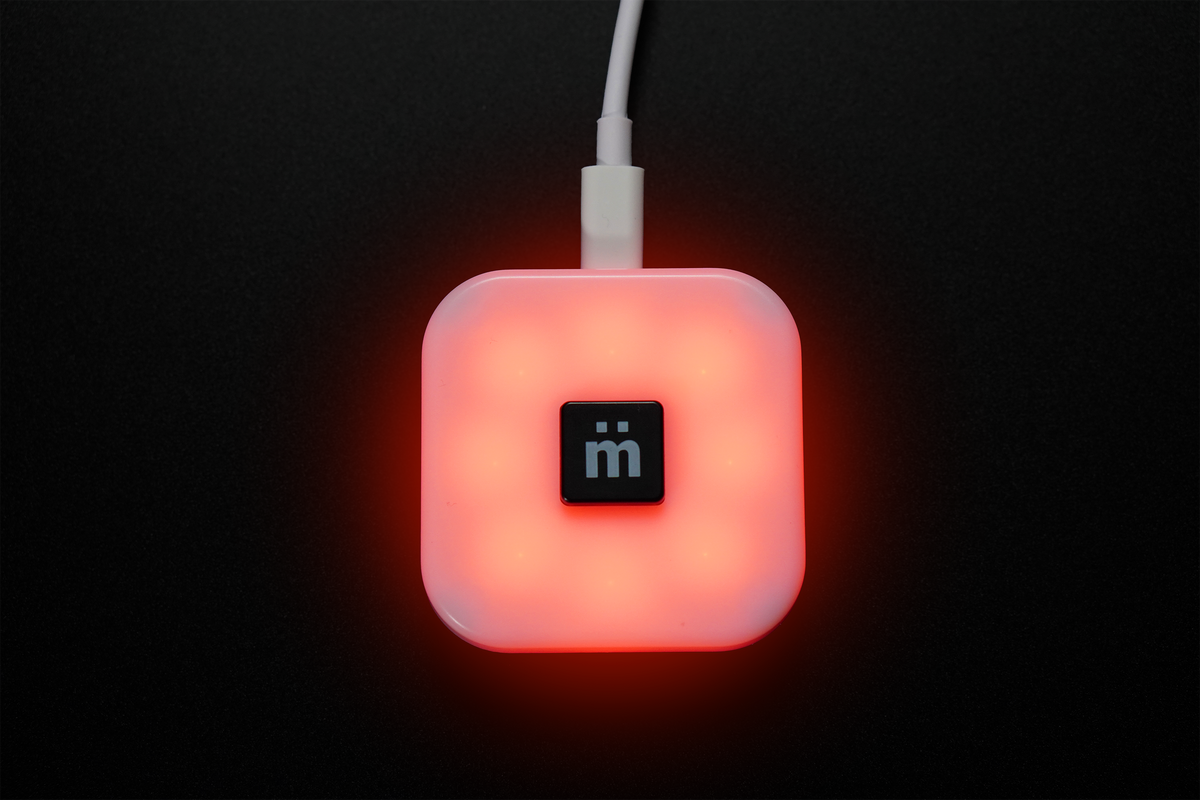
Touch the button on your desk. Keep your attention on the conversation, not the little icon on your screen.
MuteMe. A little peace of mind.
01 Control in reach
Touch the button on your desk. Keep your attention on the conversation, not the little icon on your screen.


 Axon
Axon


 Docker


 Malwarebytes

Your apps. Your flow.
Start with your button, your computer or your meeting app. On a supported setup, the MuteMe app keeps the change in sync.
Check your setupClick MuteMe, the computer or any platform to try the sync.
Interactive sync illustration. Each button toggles simulated mute; pressed means muted. MuteMe sends a change through the computer to the platforms. The computer sends it both ways. A platform sends it through the computer to MuteMe. Configure links below the controls open setup guides. Actual sync support varies by platform and operating system.
Try it from any point. Watch the others follow.
Interactive illustration. Install the MuteMe app for your device. Sync features vary by conferencing app and operating system.
A small button. A big difference.
Meet the desk companion that makes virtual meetings feel a little more natural.
 Watch the MuteMe film
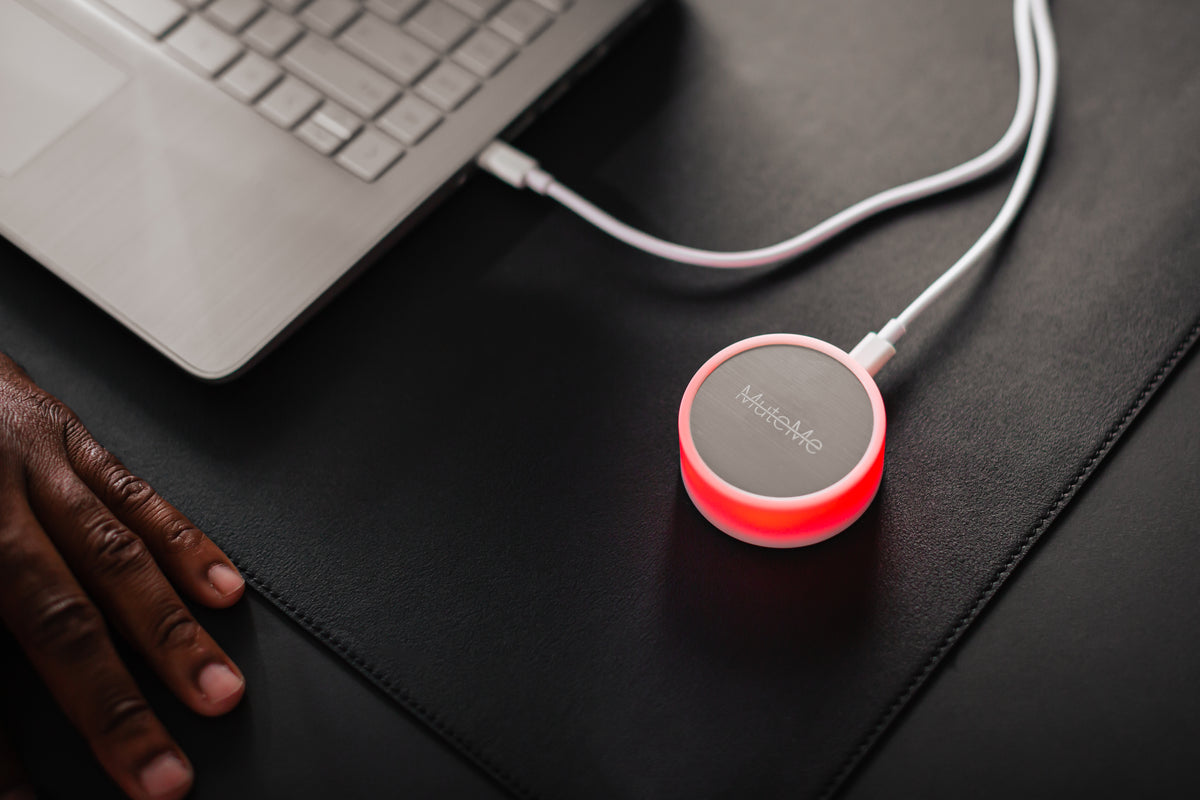
Presenting, taking notes, switching windows. Your microphone control stays right where you left it—on your desk.
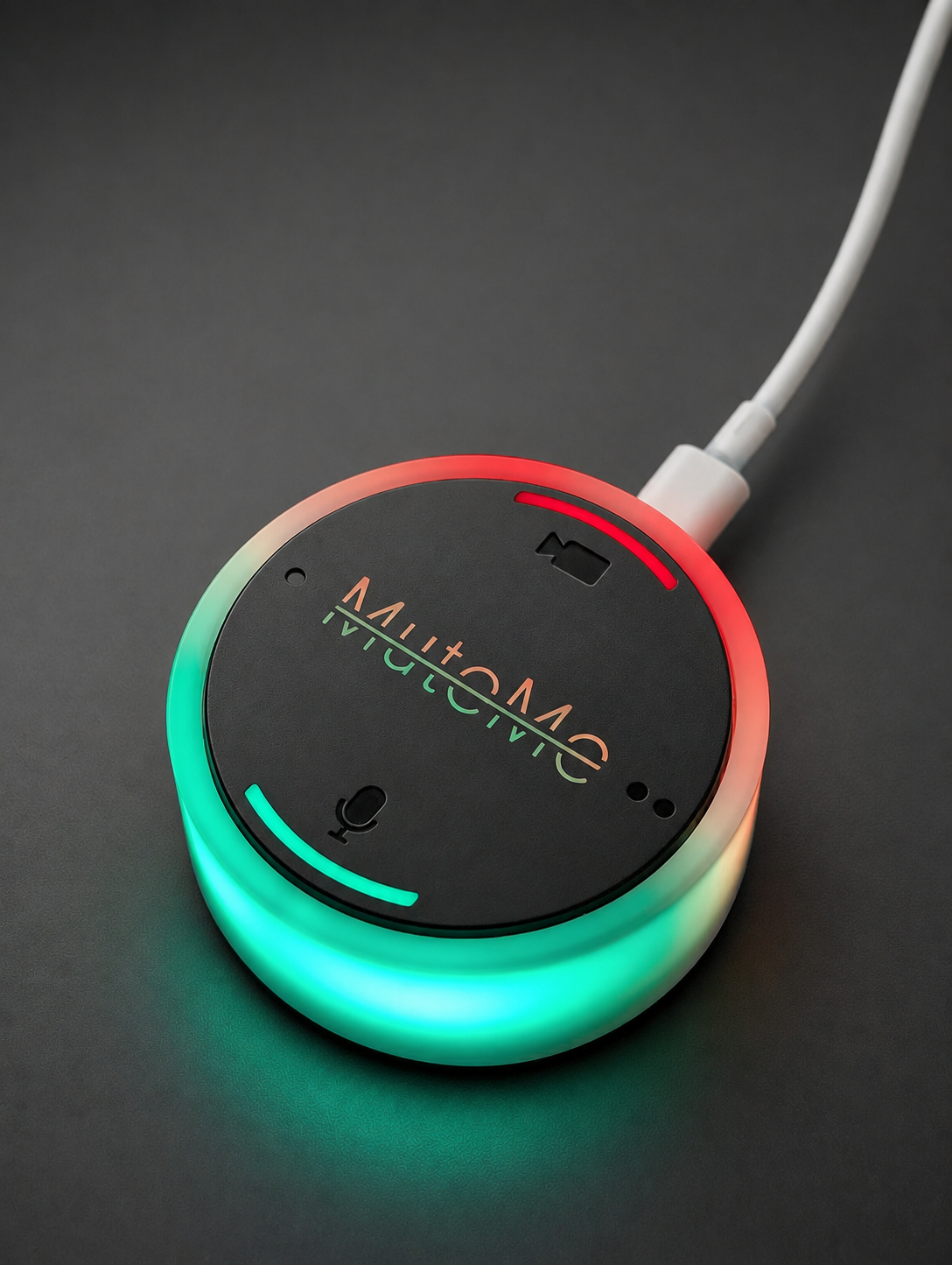
A light shows your microphone state at a glance. Choose your own colors for muted and live in the MuteMe app.
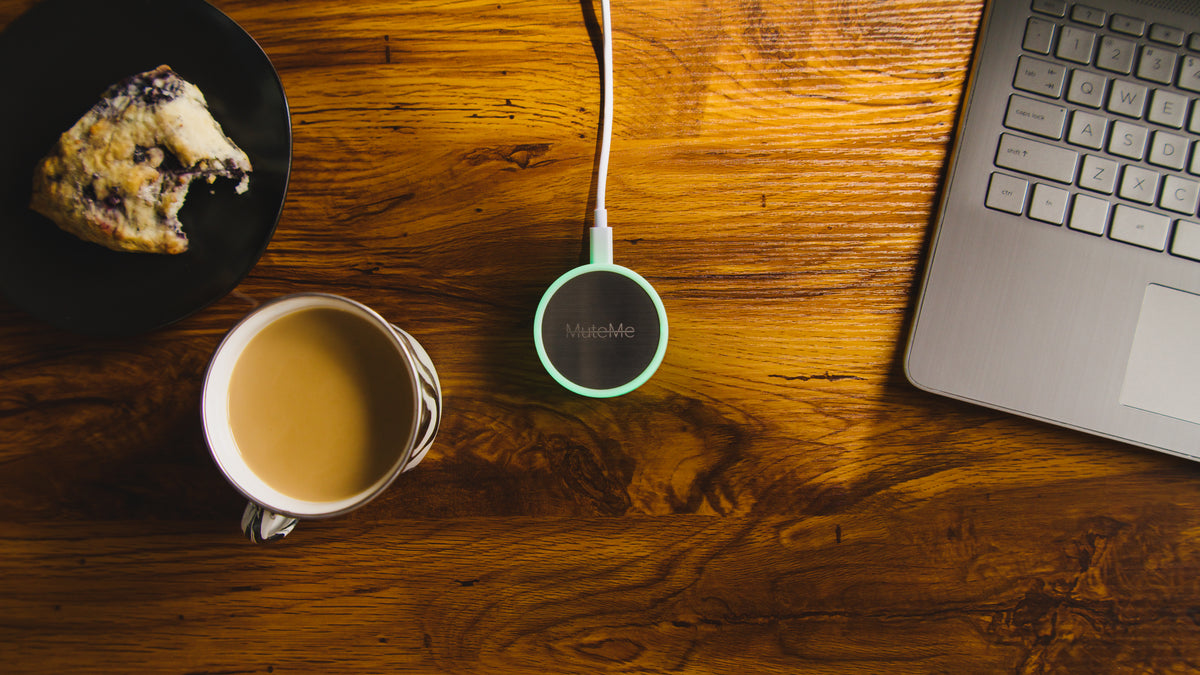
Give the people around you a visible cue. A shared office or busy home can see when your mic is live, too.
Meet your mute button
Choose a device. See your status light up. Try the different ways to put your microphone within reach.

A full-size stainless steel touch surface and a light visible from around your desk. Silent, capacitive microphone control.

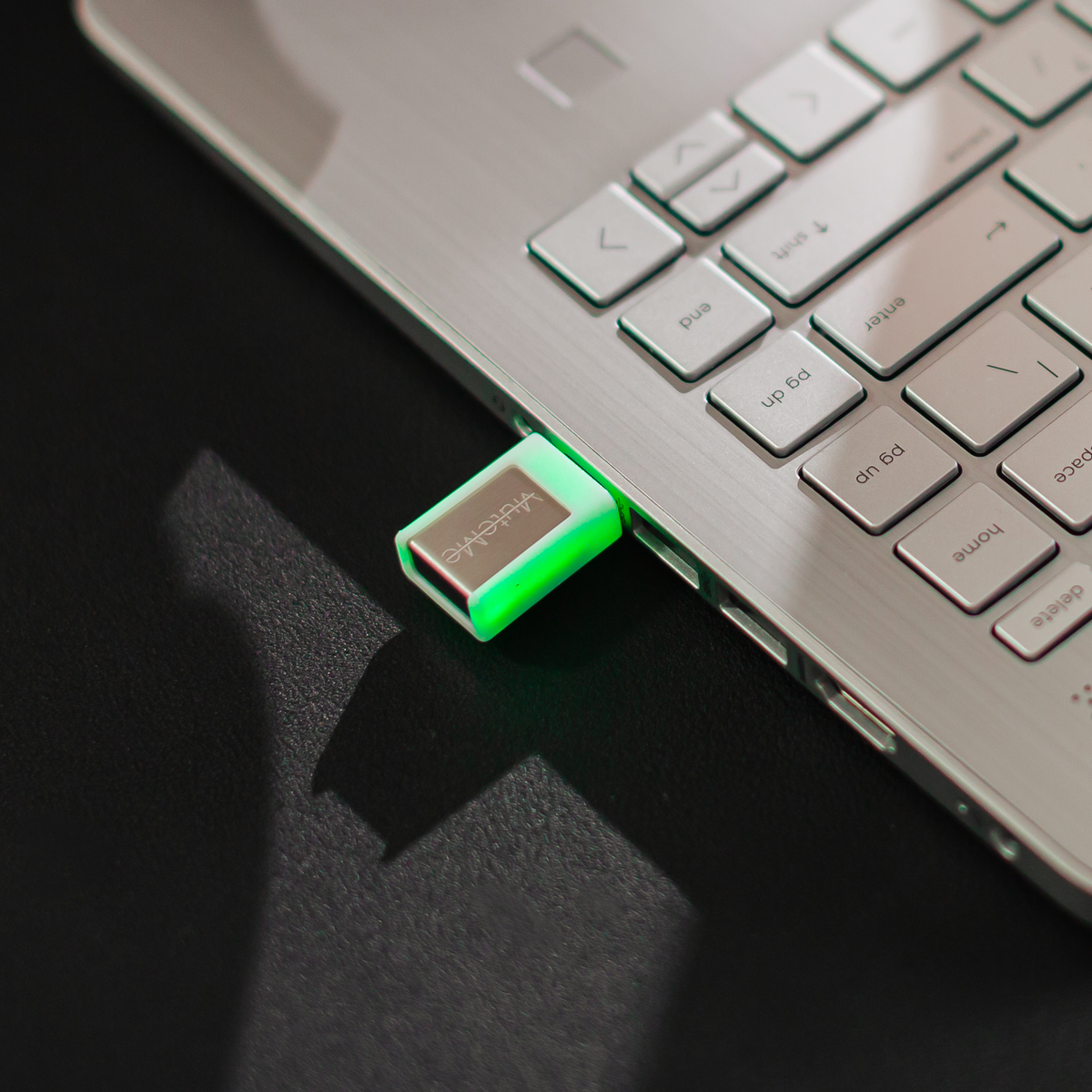
The compact illuminated mute button that plugs directly into your computer. Choose USB-A or USB-C.

Prefer a tactile button? Meet mütesync, now part of the MuteMe family. Works with the MuteMe companion app.
Buying for the first time? Check compatibility · Read the buying & setup FAQs
Explore microphone, camera, and customizable button controls in the interactive MuteMe Click preview.
Made for your team
Welcome a new teammate. Bring a distributed team together. Explore bulk pricing and custom engraving for a useful gift they’ll reach for every day.
 Your brand. Their new desk essential.
Get connected, find the right settings, and explore the guides that help you make the most of MuteMe.
Explore all support articlesNot-in-meeting actions turn your MuteMe button into a between-meetings multitool: open webpages, mute your speakers, take screenshots, or run your own custom commands. Part...
Read moreWe rebuilt MuteMe.com with a darker, calmer, more modern design. A tour of what changed, and reassurance about what did not.
Read moreWe have an important software update to share with our Amazon Chime users. What's happening: Amazon has officially ended support for the Amazon Chime...
Read moreFantastic product. I use this on every call and, being in Cybersecurity, that's a lot. Keep up the great work!
Simply made my life easier during meetings
Always know when I’m muted or not!!


